> For the complete documentation index, see [llms.txt](https://docs.tcmenu.cc/llms.txt). Markdown versions of documentation pages are available by appending `.md` to page URLs; this page is available as [Markdown](https://docs.tcmenu.cc/pubg/ancient-jiao-cheng/ancient-wen-ti-hui-zong.md).
# Ancient问题汇总
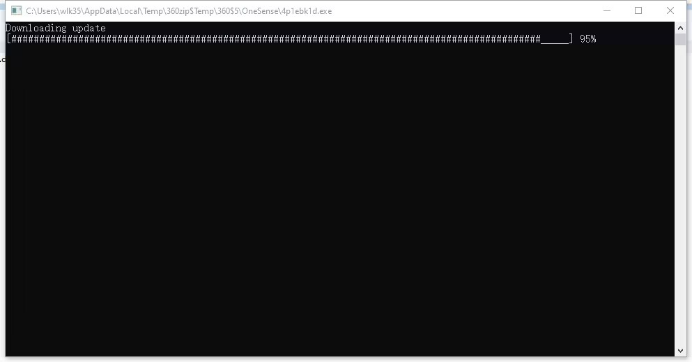
如果一直打开提示更新,下载完打开还是要更新,请检查你的文件是否解压,如果不解压是无法使用的。
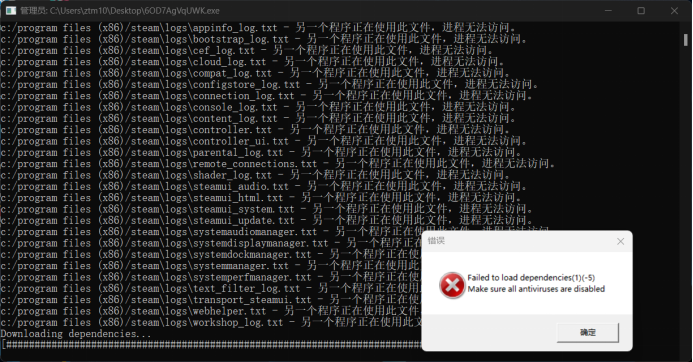
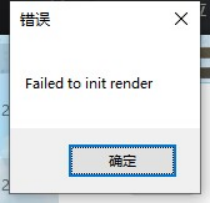
2.、如果你出现以下提示,请检查杀度是否清理干净
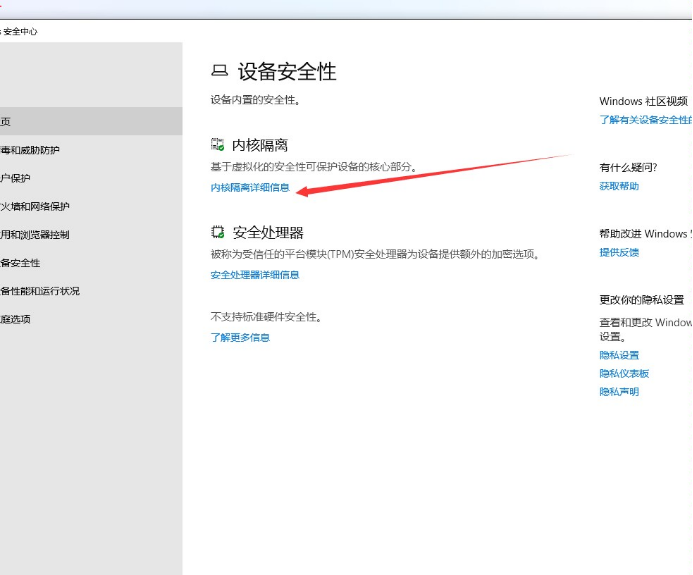
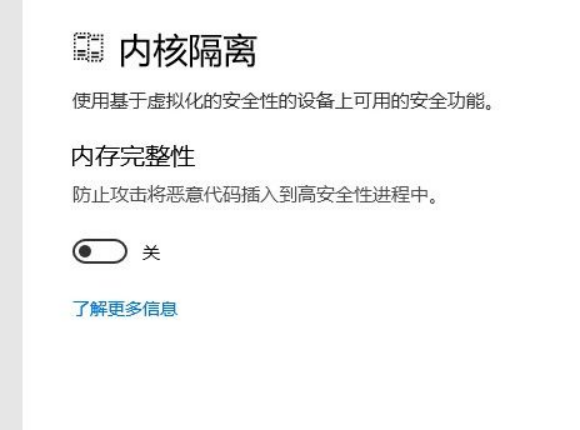
如果确认全部关闭还是无效请关闭内存隔离 如图所示
并修改注册表:Open regedit\
Set to 0 -> HKEY\_LOCAL\_MACHINE\SYSTEM\CurrentControlSet\Control\CI\Config\VulnerableDriverBlocklistEnable
3.如果出现此弹框请重启电脑并重新注入